
Automation Is Only as Good as the Design Behind It
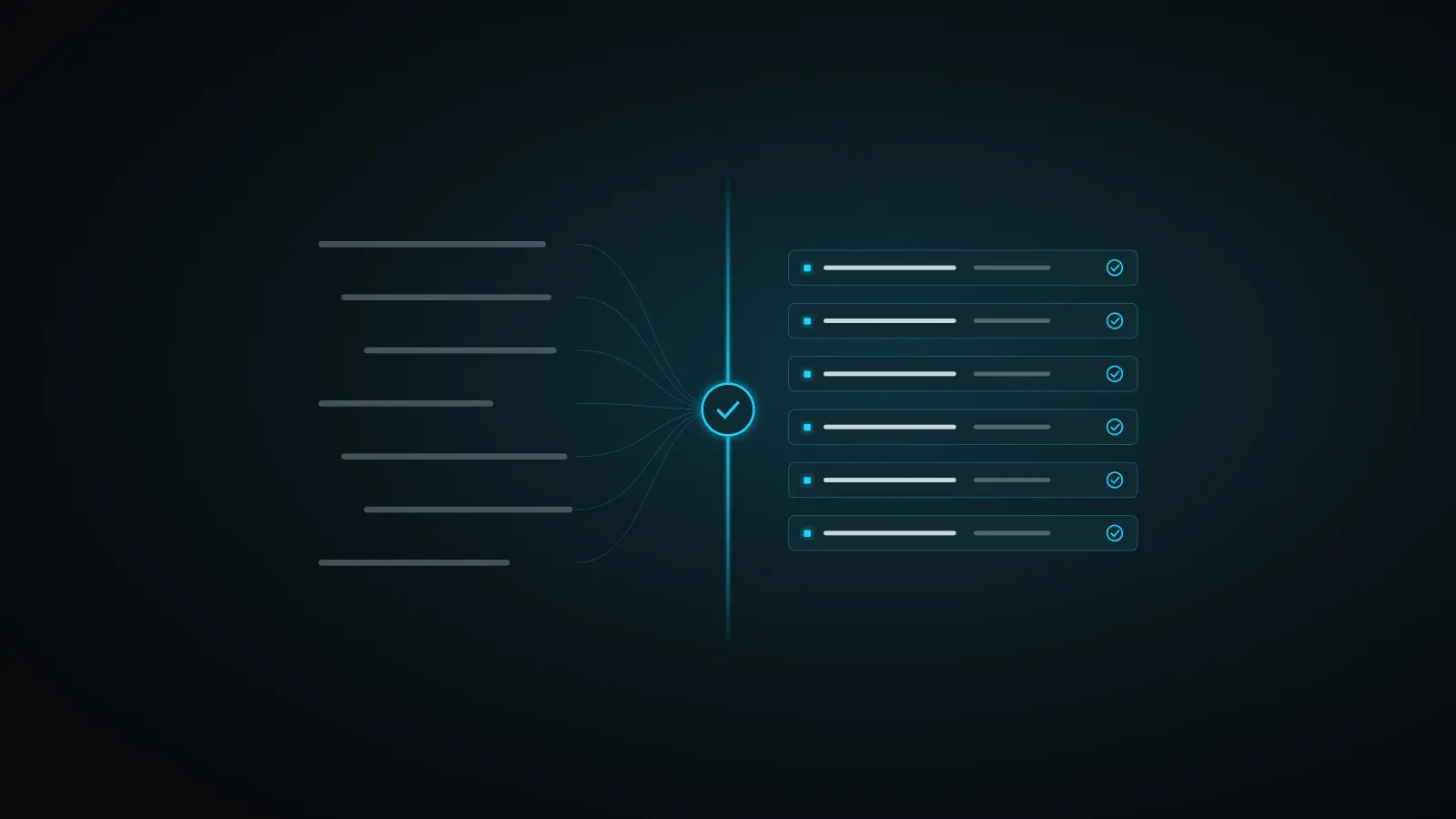
The first question partners ask us about Accelerate ERP is a fair one: what happens when the client’s requirements are messy?
It is the right question. Every consultant has inherited a project where discovery lived in meeting notes, email threads and a handful of spreadsheets that disagreed with each other. Automating setup from that kind of input does not fix the problem. It only gets you to the wrong answer faster.
Automation does not replace judgment. It depends on it.
So we did not build Accelerate ERP to skip the design step. We built it around the design step, with a checkpoint in the middle that your team controls.
Step one: structured discovery
Clients complete a structured discovery workbook instead of scattered notes. The workbook asks the questions that actually drive setup in Acumatica: companies and branches, addresses, the chart of accounts and subaccount structure, and the business processes behind them.
Structure matters here for a simple reason. When answers arrive in a consistent format, conflicts are visible. Two departments that describe the same approval process differently show up side by side, not three weeks into configuration.
Step two: your team signs off
Your consultants review the answers, resolve the conflicts and approve the design. That approval produces an Implementation Configuration Document, the single source for everything that gets built.
This is the checkpoint, and it belongs to you. Nothing is configured from raw discovery. Nothing is configured until a consultant who understands the client has said the design is right. The judgment stays exactly where it has always been, with the people who know the client.
Step three: automated setup
Once the design is approved, Accelerate ERP uses the Implementation Configuration Document to load the setup directly into Acumatica. Your consultant reviews the result in Acumatica instead of building it by hand.
That shift is the point. The hours that used to go into turning an approved design into import files, loading them, fixing what failed and loading again are the hours we are working to remove. The hours that go into understanding the client are the ones we want to protect.
Why the checkpoint builds trust
Partners are right to be skeptical of any tool that promises to configure an ERP system on its own. A configuration is only trustworthy if someone accountable has reviewed the decisions behind it. The Accelerate ERP method keeps that accountability visible: the client supplies the facts, your team approves the design, and the platform does the repetitive work.
If you want to see what the discovery workbook looks like in practice, send us a message and we will share a sample.